
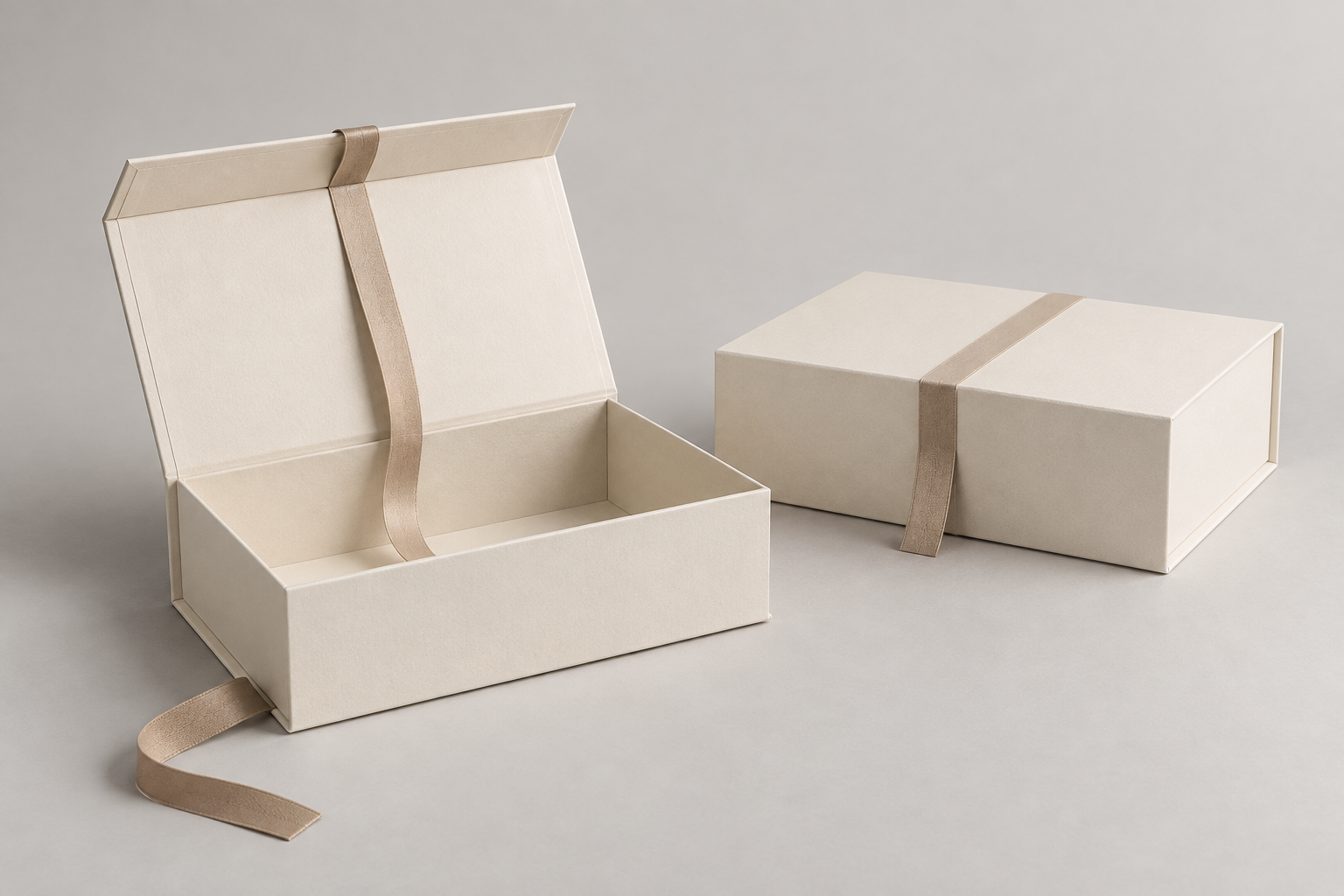
Make a pre-sample setup record
Give the record a revision label. For every dimension, name the reference state, units, orientation and measured edges. Identify whether the value comes from a drawing or an actual measured sample. A flat reference outline, assembled outside size and usable assembled interior are separate references; leave an unconfirmed value open.
- Label the flat reference and the proposed assembled view separately. If a sample exists, photograph it beside a scale and mark the edges measured. A concept view cannot supply a measured dimension or confirmed dieline.
- Number the proposed setup actions. Give each action its own record: what moves, which surface is contacted, who performs it, and which tool or separate component is assumed. Record an unknown detail as an open question rather than guessing.
- Mark the step at which the actual contents and any insert would enter the sequence. Record whether they are present during each later action. Note finger access and removal direction separately from the external dimensions.
- Keep a column for the question that the sample must answer. Later, add the sample ID, revision and actual observation beside the original assumption. If an action changes, retain the earlier record and identify the revision that changed it.
A record line can read: “Step [number] — proposed action [describe]; contact surface [mark]; person [role]; tool/component [identify or open]; contents present [yes/no/open]; sample question [describe].” These are fields to fill, not an assembly instruction.
If the proposal specifically uses tabs and receiving edges, use the corner-lock sequence guide for that construction question. This record does not select a corner or closure design.
Write assembly and access in the same brief
Specify the proposed opening panel, setup order, loading order and removal path. If an insert is being considered, describe its purpose and keep its geometry as a sample-review question. These inputs help a supplier assess the proposal with the actual contents rather than inferring access from a rendering.
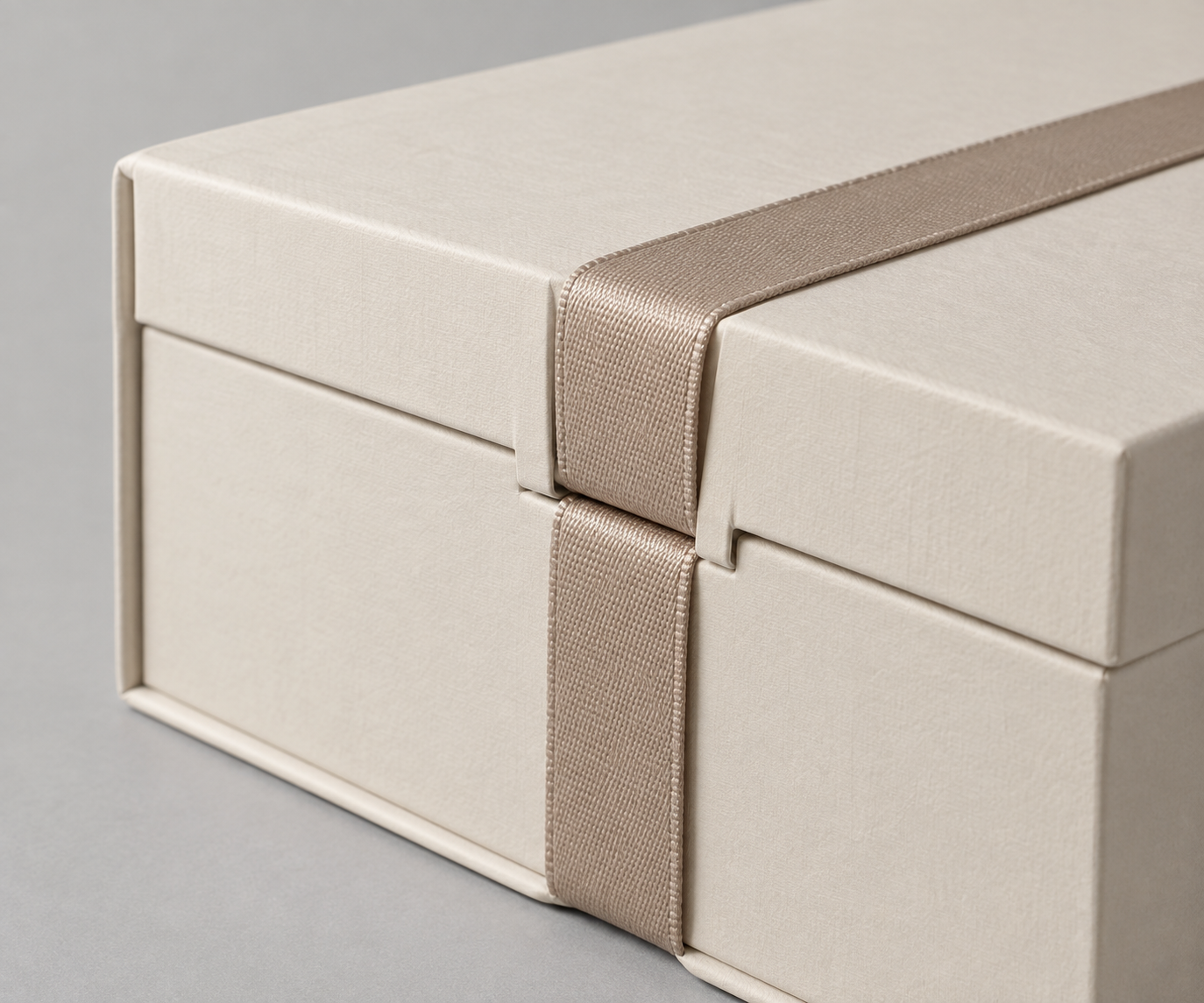
Attach this record to the existing project brief
Use the custom packaging quote brief template for the shared product, artwork, quantity and packing inputs. Attach this setup record under the same revision rather than creating a second RFQ. Keep supplier quotation scope in the quote comparison guide.
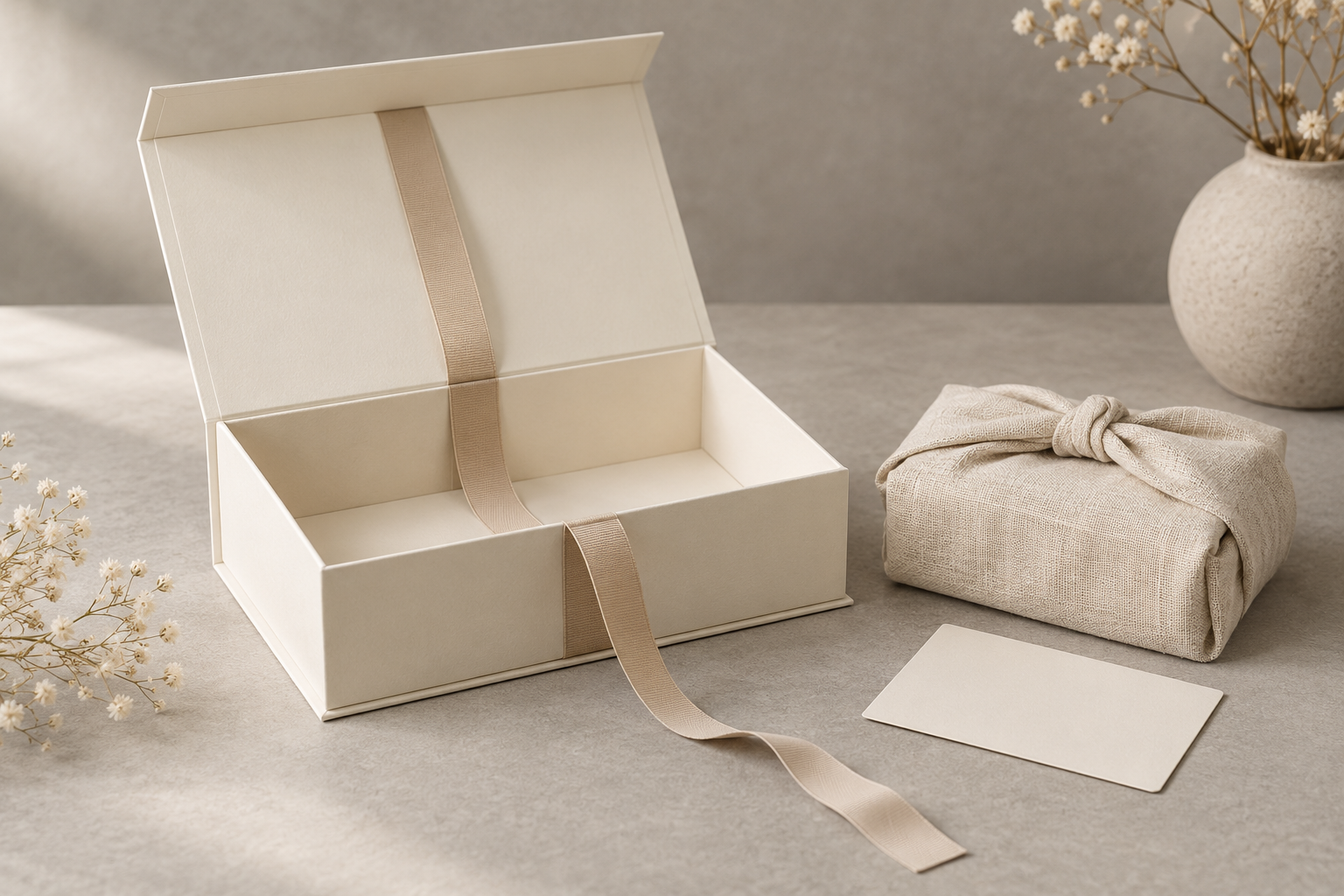
Keep sample observations separate from claims
Use the proposed action numbers when recording an actual sample observation, so the buyer and supplier can identify which assumption changed. Follow the packaging sample review guide for sample evidence and approval records. A setup sheet or concept image does not approve assembly, protection or delivery.
For the related proposed format, review the foldable gift-box project page. The broader folding gift-box category can help frame related formats without replacing this RFQ brief.
Send a flat-pack setup record for project review
Share the labeled measurement references and numbered action record, with the loading points and unresolved sample questions. Attach the common project brief at the same revision. MUGE PACKAGING can review those inputs before a quotation or sample decision is confirmed.
Source and scope: MUGE PACKAGING's folding gift-box category supports the general brief fields for dimensions, artwork, inserts and sampling. This article does not claim individual technical review; Andy — Chief Designer & Project Manager is the project contact for a structure and sampling discussion.