
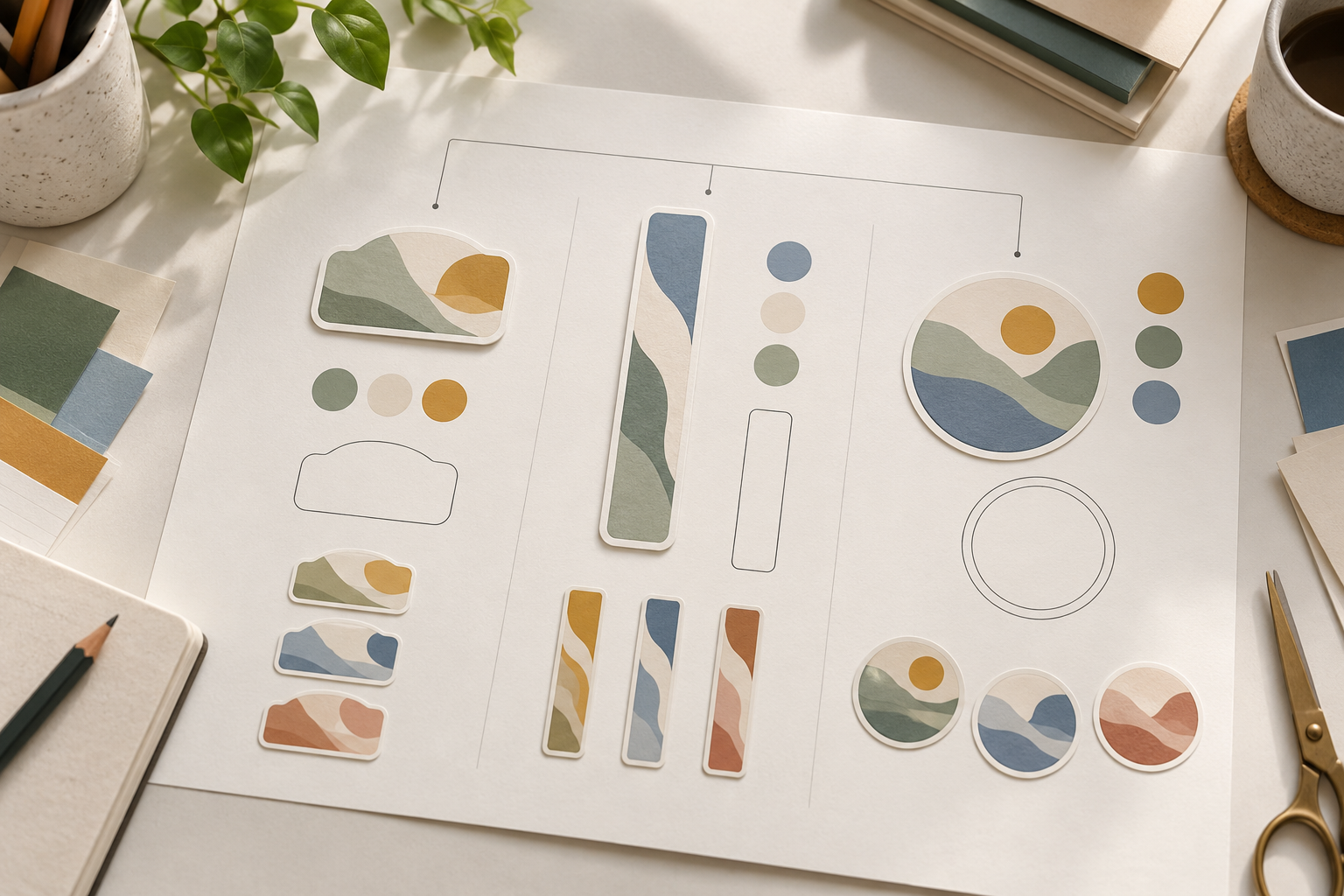
Start with one row for each placement or SKU
Give each proposed sticker placement or SKU its own row. Record which artwork and outline references it uses, whether either reference is shared with another row, and who will resolve the next open question. Keep each row pending until its owner confirms the current files.
- Assign each proposed variant a working ID that remains stable through review.
- Record the intended placement or SKU context separately from the artwork reference.
- Keep artwork revision and outline revision in their own fields, even when they arrive together.
- Point to another variant only when a source is currently shared; otherwise mark it as separate.
- Give a named project role the next review item, and leave the pending state visible.
Put the relationship fields side by side
In the example below, Variants A and C share an artwork reference but keep separate outline references. Variant B uses its own files. A reviewer can see which rows need attention when a shared file changes.
Link each reference to the actual file under discussion and record its revision. Confirm final specifications, sampling and commercial terms separately during the project review.

Hypothetical multi-SKU variant matrix
| Hypothetical variant | Placement or SKU context | Artwork reference / revision | Outline reference / revision | Shared-with ID | Owner / pending state |
|---|---|---|---|---|---|
| Variant A | Carton closure placement | Supplied artwork reference, revision under review | Separate outline reference, current state open | Shares artwork only with Variant C | Project contact — confirm current revision |
| Variant B | Mailer insert placement | Separate artwork reference, review needed | Separate outline reference, review needed | No shared source noted | Design contributor — identify source relationship |
| Variant C | Promotional SKU placement | Same supplied artwork reference as Variant A | Independent outline reference, current state open | Shares artwork only with Variant A | Project contact — compare source versions |
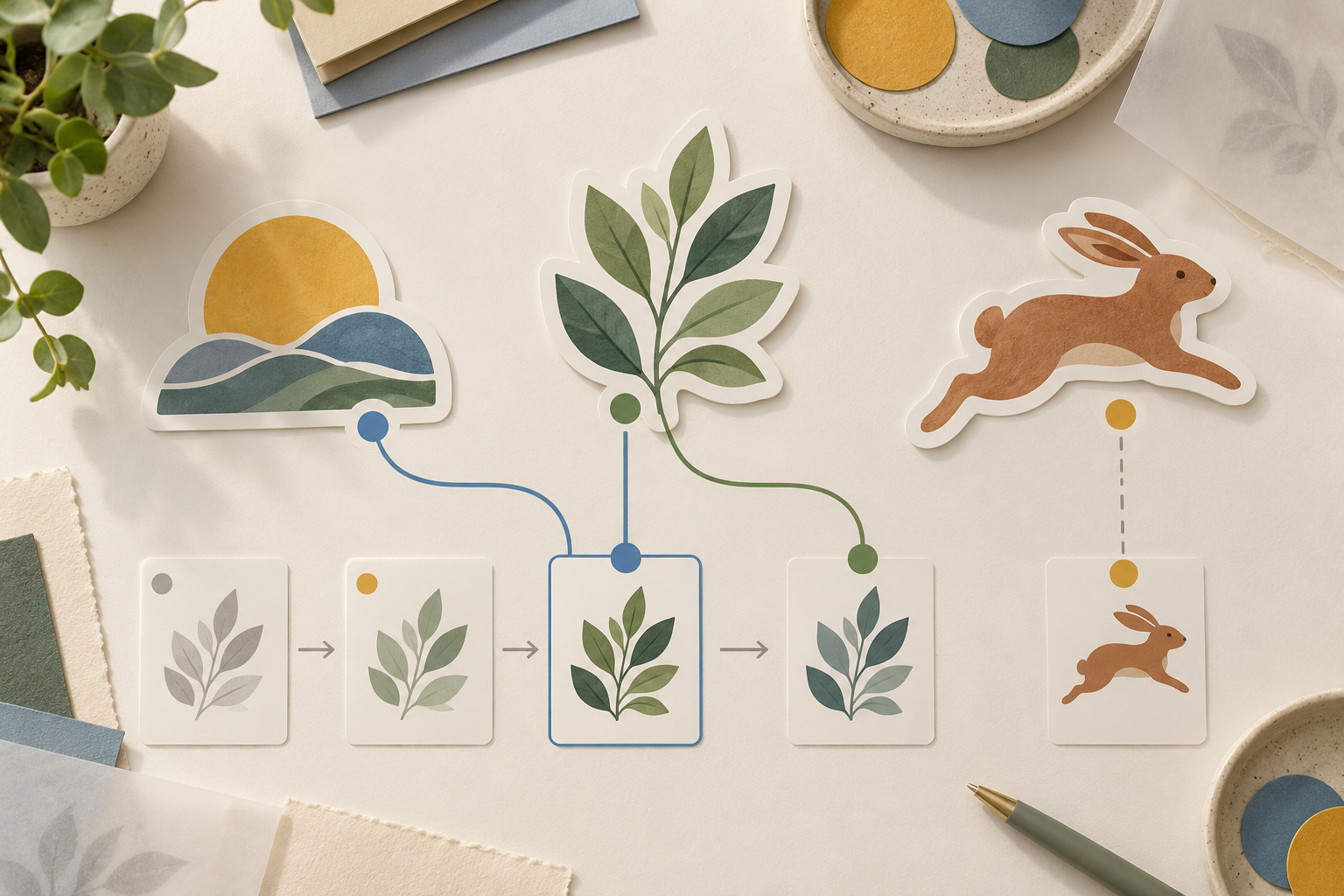
Example: make revision impact visible before the review
In the hypothetical matrix, if the shared artwork reference for Variants A and C changes, both rows should show the newly supplied revision and return to a pending review state. Variant C's independent outline stays in its own field. The team can then ask whether that outline remains suitable without assuming it changed merely because the artwork did.
When contributors send files at different times, keep the current revision, its affected rows and the next review owner together. This gives the team one place to check outstanding questions before sending a quote request.
RFQ checklist: variant-map review
Send the map with these four inputs so the project team can identify the files and decisions that need review.
- Placement or SKU identifiers under review
- Current artwork reference and revision
- Current outline reference and revision
- Person responsible for the next open review
Discuss your die-cut sticker project
The die-cut sticker project page and the Custom Stickers & Labels category provide a starting point for discussing the proposed placements. Include the variant map with your project brief and highlight the rows that need confirmation.
Explore MUGE PACKAGING's Custom Stickers & Labels category for related project options, or contact Andy — Chief Designer & Project Manager about the open items in your brief.